
Guide
Your iPhone Now Watermarks AI-Edited Photos: What SynthID Means and How to Check
17 November 2026 · Nickel Choi
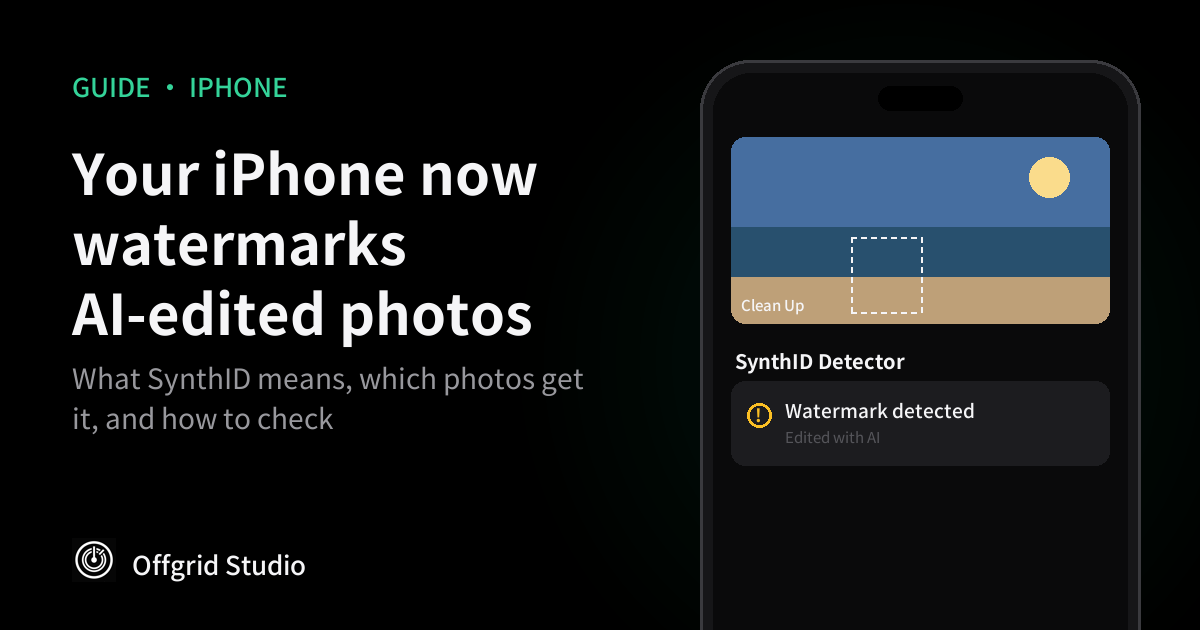
Short answer: since iOS 27.2, when you use Clean Up, Extend or Spatial Reframing in Photos, or make an image with Image Playground or Image Wand, your iPhone adds an invisible SynthID watermark. It doesn't change how the photo looks, but anyone can upload the photo to synthid.com and see that AI was involved. There's no setting to turn it off, so the choice is whether you use those tools.
What changed
Apple published a support page on 8 November explaining that, starting with iOS 27.2, iPadOS 27.2, macOS 27.2 and visionOS 27.2, some Apple Intelligence tools add an invisible SynthID watermark to images you create or edit:
- In Photos: Clean Up, Extend and Spatial Reframing.
- Image creation: Image Playground and Image Wand.
The detail most people will miss: this applies to your real photos too. If you take a genuine holiday photo and use Clean Up to remove a stranger in the background, that photo now carries a mark saying AI changed it, as 9to5Mac pointed out. According to MacRumors, Clean Up only adds the watermark for large edits, so small touch-ups may not be marked. Apple's page doesn't say where that line is.
What SynthID is
SynthID is a watermarking system made by Google. Instead of adding a label you can see, or a note in the file's metadata that disappears when you take a screenshot, it hides a pattern in the image itself. People can't see it, but Google's detector can.
Google's SynthID Detector says the watermark is robust against common changes, and asks people to upload the highest quality file they have for the most accurate result. It also says plainly that it is not a general AI detector: it can only find watermarks from companies that use SynthID.
Which of your photos have it
Ordinary edits such as cropping or a filter aren't on Apple's list. The watermark comes from the generative tools, the ones that invent pixels that weren't in the original photo.
How to check a photo
Apple doesn't show the watermark anywhere in the Photos app. Its support page points to Google's website instead:
- Open synthid.com in Safari.
- Tap Select file and choose the photo from your library.
- Wait for the result. The detector says whether it found a watermark.
One thing to think about first: checking a photo means uploading it to Google's website. That's fine for an image you found online or were sent by someone else. For a private photo of your family or your documents, ask whether you really need to know.
Why it matters
- Photos that need to be untouched. The UK passport office says a digital passport photo must be "unaltered by computer software". Using Clean Up to remove a stray hair or a shadow behind your head is exactly the kind of change those rules forbid, and the photo now carries proof of it.
- Insurance claims, listings and evidence. A photo of a damaged car, a second-hand item or a flat to rent is only useful if it's honest. A hidden AI mark can help the other side check.
- Sharing in group chats and social media. A "perfect" holiday photo with the crowds removed is harmless, but the people who see it can now find out it was edited.
- Telling real from fake. As more phones mark AI images, a watermark becomes a useful clue. It isn't proof of anything on its own.
What it can't tell you
A watermark tells you an image went through a tool that uses SynthID. No watermark tells you very little: the image might be real, or it might come from an app or AI model that doesn't use SynthID. Google's own detector says it is not a general AI detector. Treat a positive result as a strong hint, and a negative result as "unknown".
Questions people ask
Can I see the watermark?
No. Apple says the watermark is imperceptible and doesn't change how the image looks. Only a SynthID detector can read it.
Can I turn it off?
Apple's support page doesn't describe a setting to turn it off. If you don't want a photo marked, don't edit it with Clean Up, Extend or Spatial Reframing, and use other tools for simple crops and light changes.
Are my old photos watermarked?
No. Apple says images created or edited before updating to iOS 27.2 don't get a watermark unless you edit them again with one of the listed tools.
If a photo has no watermark, is it real?
Not necessarily. SynthID only finds watermarks from companies that use it. An image made or edited with a tool that doesn't use SynthID will show no watermark, even if it is entirely AI-generated.
Resizing without AI
We make PreciseSize, so this is about our own app. A lot of photo "editing" is really just making a photo fit: 35×45 mm for a passport, under 200 KB for a visa form, 1080×1350 for Instagram. PreciseSize does that by resizing, cropping and compressing on your iPhone. It doesn't use generative AI and doesn't invent anything that wasn't in the photo. It's free with ads, with a one-time purchase to remove them, and your photos are never uploaded. Always check your passport office's own rules too.
How we checked this
The list of tools, versions and the advice to use synthid.com come from Apple's support page About SynthID watermarks in images created or edited with Apple Intelligence (published 8 November 2026). The detail that small Clean Up edits may not be marked comes from MacRumors' iOS 27.2 roundup, not from Apple. How the detector works comes from Google's SynthID Detector, and the passport rule from GOV.UK. All were read on 17 November 2026. We haven't tested specific edits against the detector ourselves.
More from Offgrid Studio
Apple Will Check Your Public iCloud Links: What Changes and How to Share Privately
Apple Just Reversed Its “We Don’t Need Your Data” Pledge for Siri AI
The Links You Share Are Tracking You