
Guide · Privacy
Apple Will Check Your Public iCloud Links: What Changes and How to Share Privately
9 November 2026 · Nickel Choi
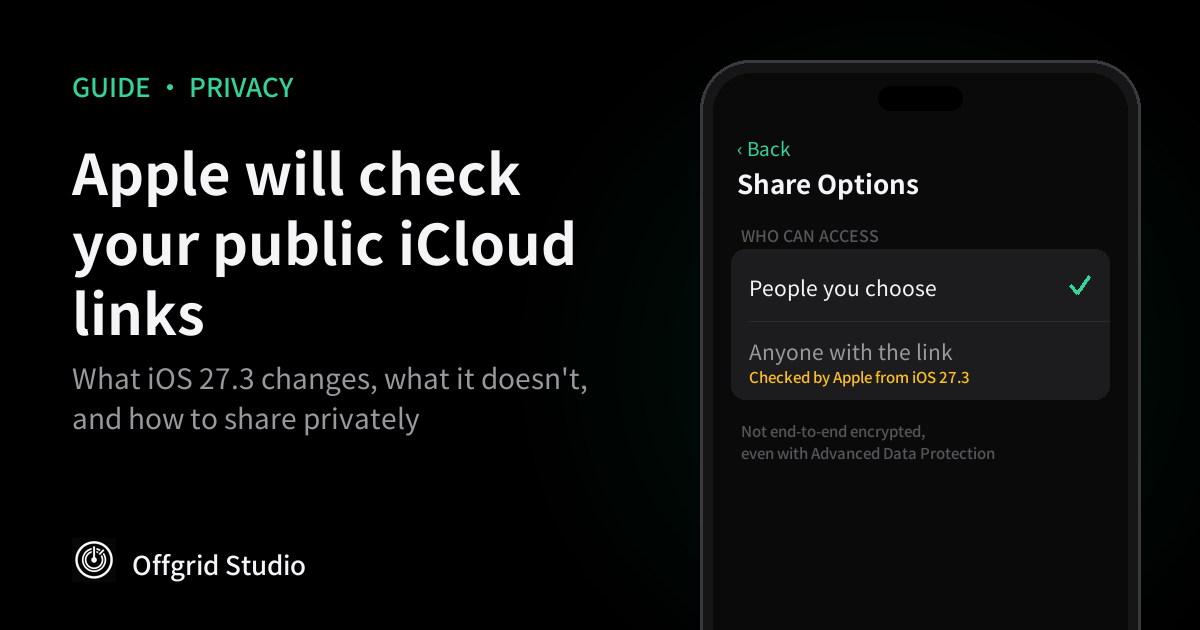
Short answer: from iOS 27.3, Apple will check anything you share with "Anyone with the link" for harmful content. Your private iCloud library isn't part of this. If a file is sensitive, share it with "People you choose" or send a copy instead, and take five minutes to clear out old public links you no longer need.
What Apple announced
On 3 November, Apple published a short notice about link sharing. Apple's support page says that in version 27.3 or later of iOS, iPadOS, macOS and visionOS, items shared with Anyone with the Link will be made accessible to Apple so it can check them for harmful content. That applies to content stored in iCloud, such as a photo in iCloud Photos or a file in iCloud Drive.
If something is flagged, Apple says it can move, refuse, change or delete the content. It can also block or disable your Apple Account, stop you creating a new one with the same email address or phone number, and involve law enforcement if necessary.
MacRumors reported on 4 November that 27.3 was in beta for developers, with public release expected in December. So nothing has changed for most people yet, which makes this a good time to look at what you've shared.
What's checked and what isn't
- Anyone with the link: checked. This is the only option Apple's notice says will be checked.
- People you choose: not covered. Only people you invite or approve can open the item. Apple describes the check only for Anyone with the Link, and MacRumors says this setting is excluded.
- Shared Albums: not covered, according to MacRumors. That doesn't make them private from Apple, as explained below.
- Your ordinary iCloud library and files: not covered, according to MacRumors, as long as they're only stored and not shared by public link.
- Send a Copy: not mentioned. Apple lists it as the alternative to sharing a link, and says nothing about checking it.
This isn't the same as the on-device photo scanning Apple proposed in 2021 and never shipped. That plan would have matched photos on your phone before they reached iCloud. This one covers what you've chosen to make available to anyone holding a link.
A public link was never very private
The part most people miss isn't the new check. It's that these links already sit outside iCloud's strongest protection. Apple's iCloud security overview says that Anyone with the Link sharing doesn't support Advanced Data Protection, and that the keys for that content are uploaded to Apple's data centres. So the item isn't end-to-end encrypted, even if you've turned Advanced Data Protection on.
Shared Albums have the same limit. Apple says they aren't end-to-end encrypted either, even with Advanced Data Protection on. They're outside this new check, but they aren't sealed off from Apple.
There are two more things to remember. Anyone who has the link can pass it on, and Apple's iPhone guide warns that a shared file's link includes its name. A link to "Divorce settlement final.pdf" gives something away even before anyone opens it.
What Apple hasn't said
- What counts as harmful. Apple doesn't define it. MacRumors suggests malware, malicious files or child sexual abuse material, but that's its reading.
- Whether old links count. Apple doesn't say whether links created before 27.3 will be checked.
- How the check works. The notice doesn't say whether it's automated or whether people review what's flagged.
- What happens after a mistake. The notice doesn't describe an appeal, or how often harmless files might be flagged.
Checking content that's publicly reachable is a reasonable thing for a host to do, and most people will never notice it. The real risk for ordinary users is a mistake, because an Apple Account can hold your photos, email and purchases all at once. Our own suggestion is to keep a separate backup of anything irreplaceable, on a drive or a computer. That's good practice whatever happens with this change.
How to review your iCloud links
For files and folders in iCloud Drive, Apple's iPhone guide gives these steps:
- See what you've shared. Open the Files app on your iPhone and tap Shared.
- Open the sharing controls. Touch and hold the item, then tap Manage Shared File or Manage Shared Folder.
- Limit who can open it. Tap Share Options and change access to People you choose. Apple says the original link then stops working for everyone, and only people you newly invite can open the item.
- Or end it completely. Tap Stop Sharing. The link stops working and the item is removed from other people's iCloud Drive.
If you re-share something with Anyone with the Link after stopping, Apple says the original link works again, so an old link isn't necessarily gone for good.
Photo links work differently. Apple's iCloud guide says iCloud Links for photos expire automatically after 30 days, and you can stop them sooner. Sign in at iCloud.com, open Photos, choose iCloud Links in the sidebar, and remove any you don't want live. On a phone or tablet browser, tap Edit, tap Remove, then confirm with Stop Sharing.
Frequently asked questions
Is Apple scanning all my iCloud photos?
No. Apple's notice covers items shared with Anyone with the Link. MacRumors reports that it doesn't apply to People you choose, Shared Albums, or content that's simply stored in iCloud.
When does this start?
With version 27.3 of iOS, iPadOS, macOS and visionOS. MacRumors reported on 4 November that 27.3 was in developer beta, with public release expected in December.
What counts as harmful content?
Apple doesn't define it. MacRumors suggests it could include malware, malicious files or child sexual abuse material, but that's its own reading rather than Apple's wording.
Will my old iCloud links be checked?
Apple hasn't said. If you have old Anyone with the Link shares you no longer need, the safest course is to stop sharing them.
Does Advanced Data Protection protect a public link?
No. Apple says an item shared with Anyone with the Link is no longer end-to-end encrypted, even with Advanced Data Protection on.
Are Shared Albums private from Apple?
They aren't part of this check, according to MacRumors, but Apple says Shared Albums aren't end-to-end encrypted either, even with Advanced Data Protection on.
What's the most private way to share a file?
Use People you choose, so only invited people can open it, or send a copy directly instead of a link. Apple's notice describes the check only for Anyone with the Link.
How we checked this
What Apple will check, and the encryption limits, come directly from Apple's support page (published 3 November 2026) and Apple's iCloud security overview. The release timing and the list of exclusions come from MacRumors. The steps come from Apple's guide for iOS 27, which we read in its Traditional Chinese edition, so the English button names may differ slightly. We haven't tested iOS 27.3 ourselves, and Apple may change the wording or the screens before release. We'll update this post when it ships.
More from Offgrid Studio
Why Album Leaks Start in the Cloud
How to See What an iPhone App Sends (Free, No Jailbreak)
How to Remove Tracking From Links You Share