
Be ready · Guide
More Tech Outages Are Coming: What Your iPhone Can Still Do Offline
23 November 2026 · Nickel Choi
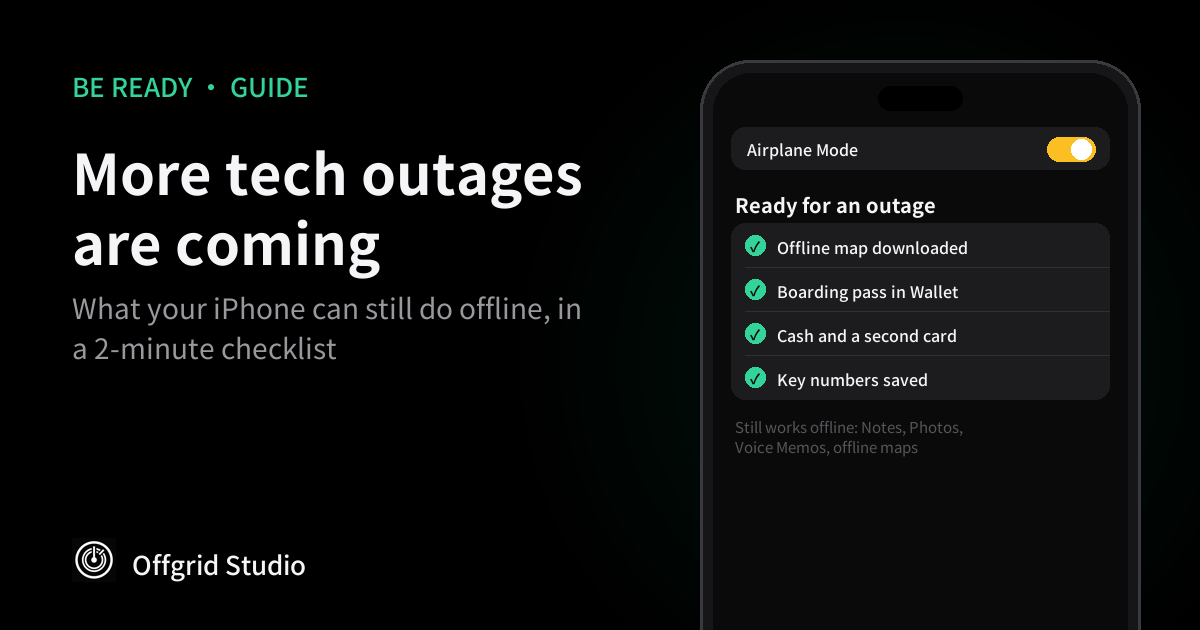
Short answer: banks, airlines and email have all had outages this month, and America's intelligence chief says more are coming while systems get patched. You can't stop an outage, but two minutes now turns one into an inconvenience instead of a stuck-at-the-gate moment: download an offline map, put your tickets in Wallet, keep a little cash, and check which of your apps still work in Airplane Mode.
What happened
On Sunday 22 November, Director of National Intelligence Jay Clayton told CNN that Americans should expect "glitches, gaps, interruptions in service". He described much of the country's digital infrastructure as dated and said organisations are taking "more systems down and putting them back up than ever before" as they upgrade and patch them. Officials say there's no evidence of a coordinated cyberattack.
The warning came after a run of failures reported by Gizmodo and Euronews:
- A software bug took Microsoft Outlook down for some users into the next day.
- A technical issue disrupted the Chase app, with knock-on problems at Wells Fargo and Bank of America. Chase said customers could still reach their money.
- On 13 November the FAA ordered a nationwide ground stop because of a technical issue.
- United had a widespread system outage, and on 22 November a software fault at Delta left more than 1,000 flights running late.
Microsoft's Brad Smith said on CBS that people should be prepared "for the coming months". Most of these outages were in the US, but the apps and cloud services involved are the same ones people use in the UK and Europe.
The 2-minute checklist
- Download an offline map. In Apple Maps, search for your town or drop a pin, then tap Download (iOS 17 or later; Apple's steps). Do the same for anywhere you're travelling. Google Maps has offline maps too.
- Put tickets and boarding passes in Wallet, and take a screenshot as a backup. If the airline's app or website is down at the airport, you still have your pass.
- Keep a little cash and a second card. When one bank's app or card system has a bad day, a second option gets you home.
- Save the numbers you'd need. Your bank's helpline, your booking reference, a family member's number. A note on your phone works offline.
- Know your satellite options. On iPhone 14 or later, Emergency SOS via satellite works in the UK, the US and much of Europe when there's no signal at all. Messages via satellite is currently only in the US, Canada, Mexico and Japan.
One more: outages bring scam texts. "Your account is locked, tap here" lands best when people are already worried. If something's down, go to the official app or type the website yourself, and don't tap links in messages.
The airplane-mode test: which of your apps still work?
Here's a skill worth having. Turn on Airplane Mode, open each app you'd rely on, and try the thing you actually need it for. If it works, it doesn't depend on someone else's server, so an outage won't stop it.
It doubles as a privacy check. As @kaireyn put it on Threads: if a transcription app stops working when you turn off Wi-Fi, your audio was never staying on your device. An app that passes the test isn't sending your data anywhere to do that job.
On a standard iPhone, Notes, Voice Memos, Photos, Camera, Files, Calculator, Wallet passes you've already added and offline maps all pass. Mail, banking apps and most AI chat apps don't.
Why I build apps that pass it
I'm Nickel, and I build iPhone apps on my own. I make every one of them pass the airplane-mode test, because I think the things on your phone should keep working when someone else's server doesn't:
- OffgridScribe turns recordings of lectures, meetings and interviews into text with speaker labels. The transcription models ship inside the app, so it works offline from the first launch.
- OffgridStem splits songs into vocals, drums, bass and more, for learning or practising, fully offline.
- OffgridVox cleans echo and noise from voice recordings, fully offline.
- OffgridCam turns a spare iPhone into a home camera. Live video goes over your home Wi-Fi, so it keeps working when the internet is down, as long as your router has power.
You don't need any of them for the checklist above. But if you're choosing an app to record, write or watch with, run the airplane-mode test before you rely on it.
Your turn
What's on your phone that kept working the last time the internet went down? Tell us in the replies on our Threads post or email [email protected]. I'll add the most useful tips to this checklist, with your name, so the next person gets your help too.
Questions
Why are there so many tech outages right now?
US officials say there's no evidence of a coordinated attack. The Director of National Intelligence, Jay Clayton, puts them down to organisations upgrading dated systems and rolling out security patches, and told CNN on 22 November 2026 to expect more "glitches, gaps, interruptions in service".
How do I check if an app works without the internet?
Turn on Airplane Mode, then open the app and try the thing you'd actually need it for. If it still works, it doesn't depend on a server. It's also a quick privacy check: an app that works in Airplane Mode isn't sending your data anywhere to do that job.
Can I download maps to use offline on iPhone?
Yes. In Apple Maps, search for a place or drop a pin, then tap Download, or go to your profile picture and choose Offline Maps. Offline maps are available in select areas. Google Maps has its own offline maps too.
Can my iPhone text without signal?
On iPhone 14 or later, Emergency SOS via satellite works in the UK, the US and much of Europe when there's no mobile or Wi-Fi coverage. Ordinary Messages via satellite is currently only in the US, Canada, Mexico and Japan.
How we checked this
Jay Clayton's comments and the list of outages are from Gizmodo (Ece Yildirim, 23 November 2026) and Euronews (23 November 2026). The iPhone steps and the satellite country lists are from Apple Support: offline maps, Emergency SOS via satellite and Messages via satellite. What each Offgrid app does without internet is from our own app pages and source code.
More from Offgrid Studio
If an AI Agent Spends Your Money, Who Pays?
How to Record Family Stories on iPhone This Christmas
Technology on Your Terms