Guide
App Store Localization: How to Translate Your Listing, Step by Step
16 November 2026 · Nickel Choi
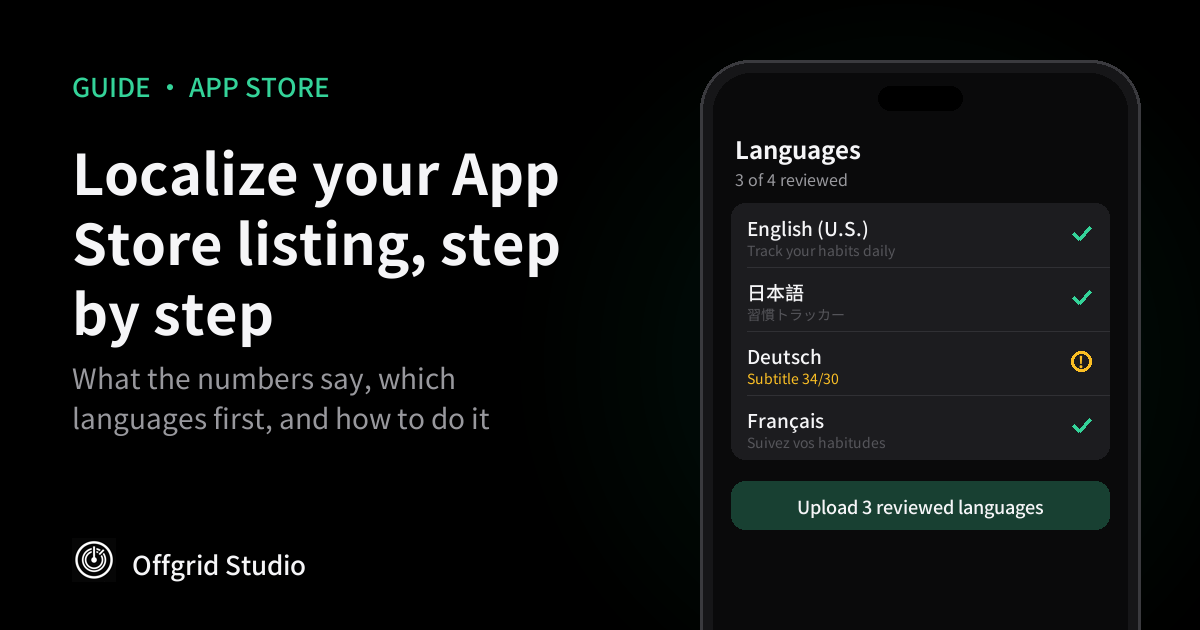
Short answer: start with the listing, not the whole app. Translate the name, subtitle and keywords for two or three markets where you already get some downloads, research the words people search for there, check each language before it goes live, and compare downloads by country four weeks later.
What the numbers say
The App Store is available in 175 regions and 50 languages, according to Apple's localization page. An English-only listing is still shown in most of them. It just isn't written for the people reading it.
- Downloads after adding a native language: up 128%. In 2012, the analytics firm Distimo looked at iPhone apps in 12 large markets. Apps that added a country's language saw downloads rise by more than 128% in the week after, compared with the week before, and revenue by about 26%. Japan and China saw the biggest jumps. PocketGamer.biz reported the study.
- But it isn't all the language. Distimo itself noted that apps get a bump after almost any update, so not all of that increase came from translation. On iPad the effect was very small. And the data is from 2012.
- 76% prefer their own language. CSA Research surveyed 8,709 online shoppers in 29 countries in 2020. 76% said they prefer to buy products with information in their own language, and 40% said they never buy from websites in other languages (CSA Research's release). That survey was about shopping websites, not apps, but the App Store product page does the same job: it decides whether someone downloads.
- English isn't the whole market. In the same Distimo study, 90% of the top 200 free apps supported English, yet in China, Korea and Japan more of the top-grossing apps supported the local language than English. People download in English. They pay in their own language.
You'll also see figures like "38% more installs" or "up to 767%" on agency and tool websites. We couldn't trace those to a study we could read, so we've left them out. The honest summary: localization helps, the size of the effect varies a lot, and the only number that matters is the one you measure for your own app.
Listing first, app later
Translating an app's interface takes code changes, testing and a new build. Translating its App Store listing takes text, and Apple lets you change most of it with your next update. That's why the listing is the cheaper place to start: it's what people see in search before they decide to download.
If the app itself is still in English, say so in the localized description, for example "The app is in English." People are far less annoyed by a clear note than by a surprise after downloading.
The fields you can localize
Each language in App Store Connect has its own copy of these fields. The limits come from Apple's App Store Connect reference.
Two details catch people out. The keyword field is measured in bytes, so Chinese, Japanese and Korean, whose characters take several bytes each, fit far fewer words than English. And a translation that fits in one language often runs over in another: German and French are usually longer than English, so the subtitle you were proud of may need rewriting rather than translating.
Which languages first
- Follow your own data. In App Store Connect, open Analytics and look at downloads by territory. A country that already sends you downloads in English is the safest bet.
- Look at where people pay. Japan, Korea, Germany and France are large paying markets where many people prefer their own language. That matches what Distimo saw among top-grossing apps.
- Don't forget the other Englishes. App Store Connect has separate English locales, such as U.K., Australia and Canada. Copying your U.S. text into them costs almost nothing, and "colour" or "organise" can matter for search.
- Pick languages you can check. Three languages someone has read properly beat fifteen that nobody has.
Keywords are not a translation
The biggest mistake is translating your English keywords word for word. People in another country don't search for your app the way an English speaker would, and the most literal translation is often not the word they type.
- Type your main idea into the App Store search bar in that country's language and note what autocomplete suggests.
- Look at the names and subtitles of the top apps in your category in that storefront.
- Don't repeat words already in your app name or company name. Apple says the app is already searchable by both.
- Don't use other apps' or companies' names. Apple doesn't allow it.
- Separate keywords with commas and leave out spaces, so none of the 100 bytes are wasted.
Doing it by hand in App Store Connect
- Open your app in App Store Connect and use the language menu on the app's page to add a localization.
- Fill in the app information fields (name, subtitle) for that language.
- On the version page, fill in the version fields: promotional text, description, keywords and What's New, plus screenshots if you have localized ones.
- Repeat for each language, then submit the update. Promotional text can be changed later without a new submission.
It works, but it's a lot of copying and pasting: seven or more fields, for every language, every time you change the English. That repetition is why tools exist for it.
Doing it with Offgrid Locale
We make Offgrid Locale, so this section is about our own app. It's free to start and runs on Mac, iPhone and iPad. It reads the listing you already have in App Store Connect, translates it, makes you review each language, then uploads it.
- Write your source language first. Fill in your name, subtitle, description and keywords in App Store Connect in one language. The app translates from there.
- Create an App Store Connect API key. In App Store Connect, go to Users and Access, then Integrations, then App Store Connect API, and generate a key with a role that can edit app information. Download the private key (.p8) file straight away, because Apple only lets you download it once. Note the Issuer ID and Key ID.
- Add the key and load your app. Enter the Issuer ID, Key ID and private key, then load the app's listing.
- Choose your languages. Pick the markets you decided on above.
- Translate your way. Free on-device translation needs no account. The free bridge copies a ready-made prompt into Claude, ChatGPT, Gemini or another AI app, and you paste the reply back. The full version can run fully automatically with your own API key. With the bridge or your own key, the text goes to the AI service you choose.
- Review each language. Every field is checked against Apple's limits, with a prompt to fix anything too long. A language can only be uploaded after you've marked it as reviewed, and you choose which fields go up.
- Upload. The app backs up what is live before it writes anything, so you can restore the previous text if something looks wrong.
It also localizes screenshot text, with a built-in editor, and in-app purchase names and descriptions. The full version is £4.99 a month or £39.99 once (UK prices). You can get it on the App Store. Other tools exist, and doing it by hand works too.
Treat your API key like a password. If you stop using any tool that has it, revoke the key in App Store Connect.
Before you press upload
- Read the name and subtitle out loud, or ask a native speaker to. They're what people see in search.
- Paste the translation into a different translator and back into English. If the meaning has drifted, fix it.
- Check prices, dates and units in screenshots match the country.
- Make sure nothing is cut off: long words in the subtitle, or text on screenshots.
- Write down the date, so you can compare before and after.
Measuring whether it worked
In App Store Connect Analytics, compare product page views, downloads and conversion rate for each localized territory over the four weeks before and after. Look at the territories you didn't localize too. If everything went up by the same amount, it was probably the update or the season, not the translation. That's the same trap Distimo warned about in 2012.
Questions people ask
Does localizing an App Store listing increase downloads?
The best-known study, by Distimo in 2012, found iPhone apps that added a user's native language saw downloads rise by more than 128% in the following week, and revenue by about 26%, although part of that came from simply releasing an update. CSA Research found in 2020 that 76% of online shoppers prefer products with information in their own language. Treat these as signs of direction, not a promise for your app, and measure your own results by territory.
Do I have to translate the app itself first?
No. You can localize the App Store listing (name, subtitle, keywords, description, screenshots) before the app's interface. People can find and understand your app sooner, but say clearly in the description which languages the app itself supports.
How many keywords fit in other languages?
Apple limits the keyword field to 100 bytes, not 100 characters. Characters in Chinese, Japanese and Korean take more than one byte each, so far fewer words fit than in English.
Is machine translation good enough?
It is a fast first draft. Check the name, subtitle and keywords with a native speaker or at least a back-translation, because those fields decide whether people find you, and a literal translation often misses the words people actually search for.
How we checked this
Regions and languages are from Apple's localization page. Field limits are from Apple's App Store Connect reference for app information and platform version information, and the API key steps from Apple's API key guide. The Distimo figures come from PocketGamer.biz's report of October 2012; we couldn't find the original report online. The CSA Research figures come from the company's July 2020 release. All were read on 16 November 2026. Offgrid Locale's features come from its App Store listing and product page.
More from Offgrid Studio
App Store Review Delays in 2026: Why the Queue Broke and How Long It Takes Now
How to Find the Keywords You Almost Rank For in Google Search Console
What Is Your AI App Sending? Watching LLM Traffic