
Guide · Security
How to Lock Your Phone Number Against SIM Swap Fraud (UK and US)
11 November 2026 · Nickel Choi
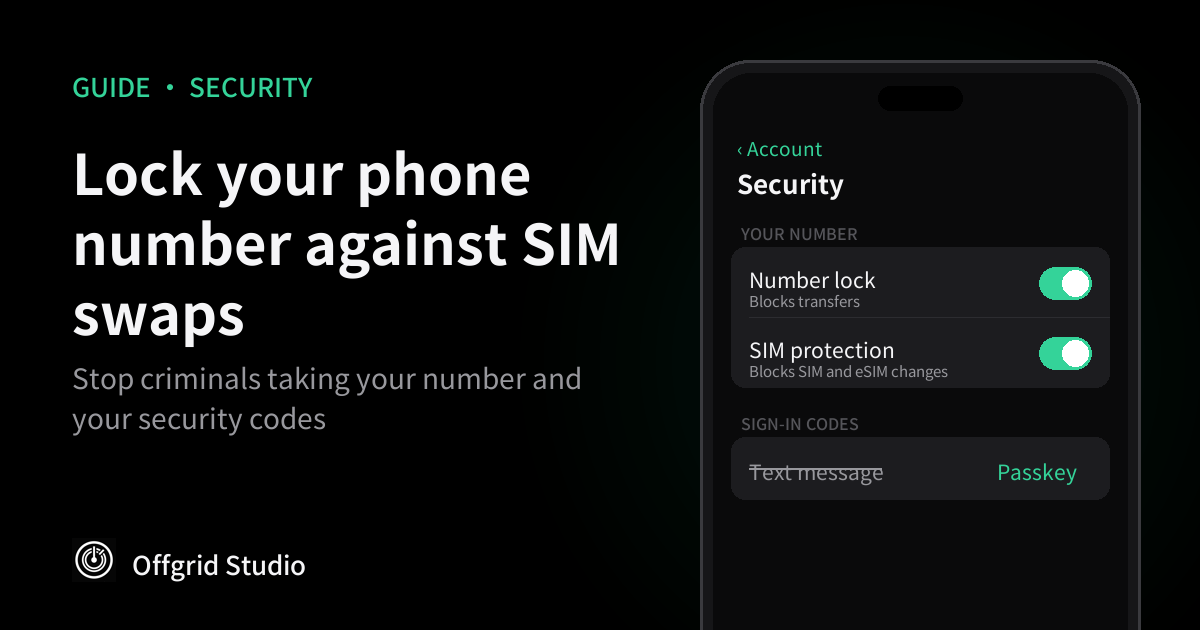
Short answer: ask your mobile network to lock your number or add a PIN for SIM changes and transfers, then stop relying on text-message codes for your email and other important accounts. If your phone ever loses signal for no reason, treat it as urgent and call your network from another phone.
What a SIM swap is, and why it matters
Your phone number isn't tied to your phone. It belongs to an account at your mobile network, and the network can move it to a new SIM card or eSIM, or transfer it to another network. That's how you keep your number when you lose a phone or switch provider.
In a SIM swap, a criminal gets that done in your name. Which? describes fraudsters contacting the network by phone, online or in a shop, and using your personal details to pass its security checks. Once the number moves, your calls and texts go to them, including the one-time codes many banks, email providers and shops send by text.
That's the real target. A stolen number on its own is a nuisance. A stolen number that receives your password reset codes can open your email, and from there almost everything else.
How common it's become
The UK fraud prevention service Cifas tracks this through reports from its members, including mobile networks.
- 2024: unauthorised SIM swaps rose 1,055%, to almost 3,000 cases, compared with 2023.
- 2025: they rose another 38%. Cifas said criminals were also disabling alerts and changing account details gradually to avoid being noticed.
- First half of 2026: cases were up 402% on the same period a year earlier.
Cifas gives the later figures as percentages without case counts, and they only cover fraud its members report, so the real number is likely higher. The direction is clear, though: this has gone from rare to routine in about two years.
Step 1: Lock your number with your network
The most direct protection is an extra check your network must see before it swaps your SIM or releases your number. How you get it depends on where you are.
In the US, the big networks offer a setting you can switch on yourself:
- Verizon: Verizon's account security page describes two separate locks. Number Lock stops your number moving to another network, and SIM Protection stops it moving to another device. Turn on both. Verizon's FAQ says you can do it in My Verizon under security settings, or dial *611, and that Number Lock alone doesn't stop SIM changes.
- AT&T: MacRumors reported in July 2025 that AT&T's Wireless Account Lock, in the myAT&T app, blocks SIM and eSIM changes, number transfers, upgrades and other account changes until you switch it off. AT&T says it never calls or texts asking you to turn it off.
- T-Mobile: it offers SIM protection and port-out protection, according to several guides, but we couldn't open T-Mobile's own support pages to confirm the names or steps. Check the T-Mobile app or ask the network.
In the UK, we couldn't find a published "number lock" setting from EE, O2, Vodafone or Three. What you can do:
- Ask for a PIN or password on your account. Which? recommends asking your network for an extra PIN or password that must be given before sensitive changes. VodafoneThree told Which? in April 2026 that it offers extra checks such as multi-factor authentication for SIM swaps.
- Three customers: Three's own guidance describes adding a memorable name or place in My3, under Change password and then Security. That page dates from 2021, so the menu may have moved.
- Know what a transfer looks like. Ofcom explains that to move your number you text PAC to 65075, and your network must reply within a minute with a code that lasts 30 days. Three says a request to leave the network triggers a text. So a PAC message you didn't ask for is a warning, not junk.
Whatever you set up, write the PIN or password somewhere safe. If you forget it, you'll face the same strict checks a fraudster would.
Step 2: Stop relying on text-message codes
A network lock makes the attack harder. Moving your important accounts off text codes makes it pointless, because there's nothing useful left to intercept.
- Start with your email. Password resets for most other accounts go there, so it's the key to the rest. Which? reported a case where fraudsters got into a victim's email first and used it to reset his mobile account. Which? now advises two-step verification on email, with passkeys preferred over text codes.
- Use a passkey where it's offered. A passkey lives on your device and is unlocked with Face ID, a fingerprint or your passcode, so there's no code to send to your number at all.
- Otherwise use an authenticator app. Codes are made on your phone rather than sent to your number, so a SIM swap doesn't move them.
- Then work down the list: Apple or Google account, banking, PayPal, social media, then shopping sites that store your card.
- Remove your number as a backup where you can. Some services keep text messages as a recovery option even after you add a passkey. If you have a passkey on two devices or saved backup codes, you may not need it.
Banks are the exception you can't always control. Many still send text codes for some payments. That's why Step 1 still matters even after you've done this.
Step 3: Give criminals less to work with
A SIM swap usually starts with someone pretending to be you to your network, using details they've found or bought. Which? advises cleaning up your online profile. In practice that means taking your date of birth, home address and phone number off public social media, and being suspicious of calls or messages asking you to "confirm" those details.
Your network won't ask you for a one-time code it has just sent you. If someone on the phone asks for one, hang up.
Warning signs, and what to do in the first hour
Which? lists these signs:
- Your phone loses signal for calls and texts where it normally works.
- A text about a SIM change or number transfer you didn't request.
- Repeated failed attempts to change your account details.
If any of these happen:
- Call your network from another phone or over Wi-Fi. Ask it to block the account and stop any transfer. O2's fraud guidance, for example, gives 0344 809 0202 for calls from other phones.
- Call your bank. In the UK, 159 reaches most banks. Ask them to watch for payments using new devices or changed details.
- Change your email password and sign out other sessions, then check recovery details haven't changed.
- Report it. In the UK, report fraud to Report Fraud (England, Wales and Northern Ireland) or Police Scotland. In the US, report it at ReportFraud.ftc.gov.
Speed matters more than anything else here. The few hours after a swap are when criminals reset passwords and move money.
Frequently asked questions
What is SIM swap fraud?
A criminal gets your mobile number moved to a SIM card they control, either by asking your network for a replacement SIM or by transferring the number to another network. Once they have it, your calls, texts and security codes go to them.
How do I know if my SIM has been swapped?
The clearest sign is your phone suddenly losing signal for calls and texts in a place where it normally works. Which? also lists unexpected texts about a SIM change or number transfer, and failed attempts to change your account details.
Does an eSIM protect me from SIM swaps?
Not on its own. A criminal can ask your network to move your number to a new eSIM just as they can to a physical SIM. What protects you is the security your network asks for before making the change.
How do I stop my number being transferred in the UK?
Ask your network to add a PIN or password that must be given before sensitive changes, which is what Which? advises. We couldn't find a published number-lock setting from EE, O2, Vodafone or Three, so you'll need to ask.
How do I lock my number with Verizon, AT&T or T-Mobile?
Verizon has Number Lock and SIM Protection, which you turn on in My Verizon under security settings, and you need both. AT&T has Wireless Account Lock in the myAT&T app. T-Mobile offers its own SIM and port-out protection, but we couldn't read its support pages to confirm the steps.
Are text-message codes still safe to use?
They're better than no second step at all, but they're the weak point a SIM swap targets. Where an account offers a passkey or an authenticator app, use that instead, starting with your email.
What should I do if my number has been taken?
Use another phone to contact your network and ask it to block the account, then call your bank. In the UK you can call 159 to reach most banks. Then change your email password and check your important accounts for changes.
How we checked this
The figures come from Cifas's Fraudscape 2025, Fraudscape 2026 and its six-month update (August 2026). The warning signs and advice come from Which? (April 2026). The Verizon steps come from Verizon's own pages, and the AT&T details from MacRumors, because AT&T's page blocked us. We couldn't open T-Mobile's or the FCC's consumer pages either, so we haven't given their steps. We didn't find a published number-lock setting on the EE, O2, Vodafone or Three websites, and Three's guidance we did find is from 2021. The PAC rules come from Ofcom (updated August 2026).
We haven't tested any network's lock ourselves. Settings and names change, so check in your network's app before you rely on them.
More from Offgrid Studio
Black Friday Fake Shops: 7 Checks Before You Pay
Got an Apple Spyware Warning? How to Check It's Real
How to Limit Apps Selling Your Location